Required clarification regarding CMS68v15 CQL for Denominator Exception criteria

XMLWordPrintable

    • Type: EC eCQMs - Eligible Clinicians
    • Resolution: Answered
    • Priority: Moderate
    • Component/s: None
    • None
    • Hide
      Thank you for your inquiry regarding CMS68v15. We recently posted an eCQM Known Issue (EKI-42) noting that implementers can map codes equivalent to 705016005 “Acute health crisis (finding)” in order to meet the exception for Performance Year (PY) 2026 reporting. In addition, CMS will address this issue in the next annual update.
      Show
      Thank you for your inquiry regarding CMS68v15. We recently posted an eCQM Known Issue ( EKI-42 ) noting that implementers can map codes equivalent to 705016005 “Acute health crisis (finding)” in order to meet the exception for Performance Year (PY) 2026 reporting. In addition, CMS will address this issue in the next annual update.
    • CMS0068v15
    • 2026 eCQM updates

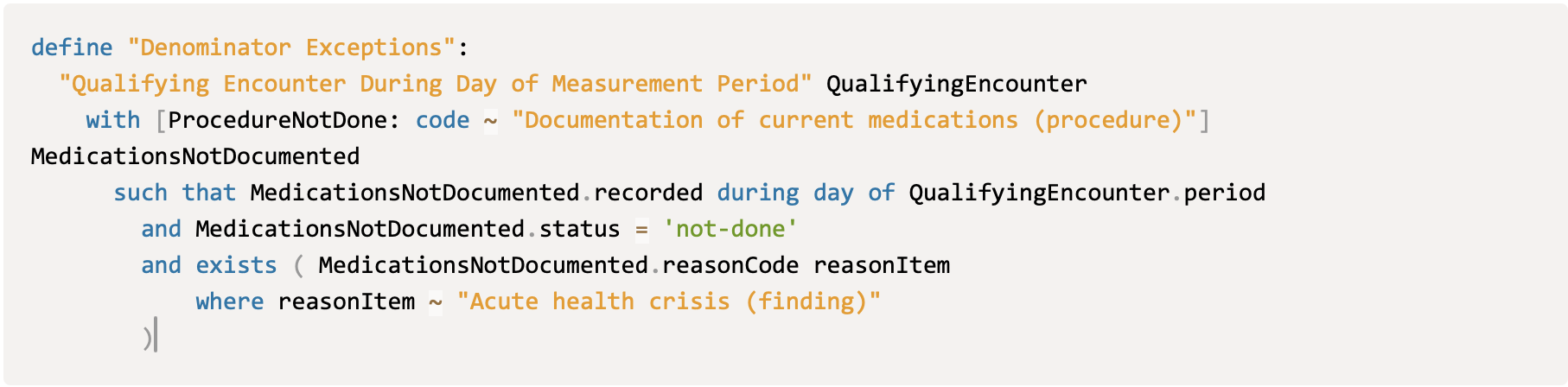
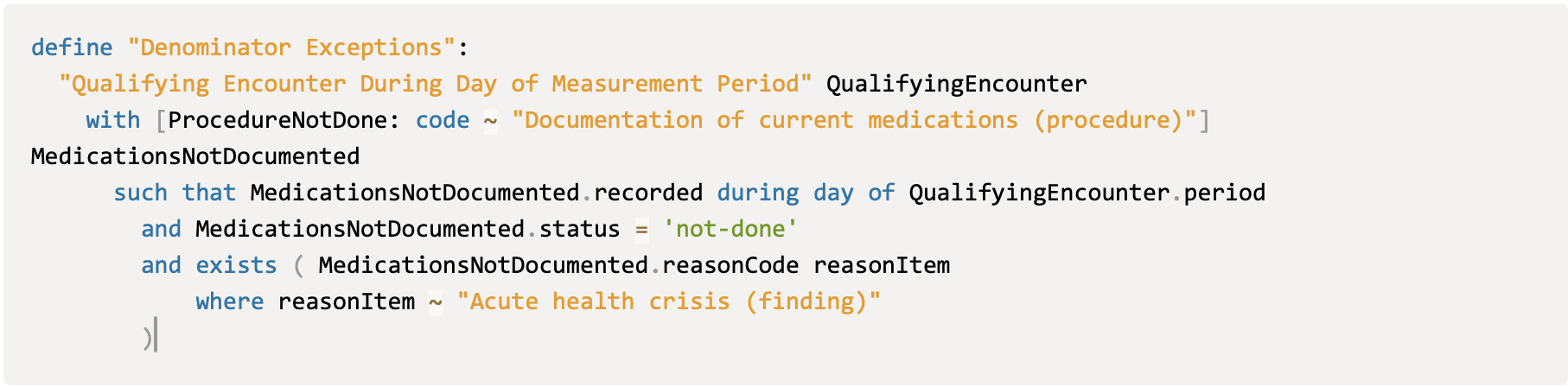
      CMS68v15 measure CQL file and specification document has the following statement in Denominator exception. Here the last reason for medication not documented ("MedicationsNotDocumented.negationRationale = "Acute health crisis (finding)") is having "=" (equal to) operator But none of the CMS measures had such operator in the past for any measures.

      So, my question here, Is it mandatory to use the "=" (equal to) operator or can we use the "~" (equivalence operator) operator instead?

      Snippet from CMS68v15 measure specification{}

       

      Note: I found the FHIR resource for this measure in https://build.fhir.org/ig/cqframework/dqm-content-qicore-2025/Measure-CMS68FHIRDocumentationCurrentMeds.html?utm_source=chatgpt.com, Denominator exception has "~" (equivalence operator)

       

            Assignee:
            AIR EC eCQM Team
            Reporter:
            ravi
            Votes:
            0 Vote for this issue
            Watchers:
            2 Start watching this issue

              Created:
              Updated:
              Resolved:
              Solution Posted On: