image-2021-08-02-13-50-36-596.png
image-2021-08-03-10-22-13-571.png
image-2021-08-03-10-45-28-870.png
image-2021-08-02-13-50-36-596.png
image-2021-08-03-10-22-13-571.png
image-2021-08-03-10-45-28-870.png
[MADIE-940] Unable to login to Bonnie Created: 08/02/21 Updated: 08/04/21 Resolved: 08/04/21 |
|
| Status: | Closed |
| Project: | MADiE Issue Tracker |
| Component/s: | Other |
| Affects Version/s: | None |
| Fix Version/s: | None |
| Type: | Question | Priority: | Major |
| Reporter: | Pooja Shah (Inactive) | Assignee: | Heather Frideres |
| Resolution: | Resolved | Votes: | 0 |
| Labels: | None | ||
| Remaining Estimate: | Not Specified | ||
| Time Spent: | Not Specified | ||
| Original Estimate: | Not Specified | ||
| Attachments: |
image-2021-08-02-13-50-36-596.png
image-2021-08-03-10-22-13-571.png
image-2021-08-03-10-45-28-870.png
|
| Tool: | BONNIE |
| Tool Version: | Bonnie QDM |
| Description |
|
Trying to login to https://bonnie.healthit.gov/ and it asks me to link my account with HARP account which it did not ask before and was working fine until last week.
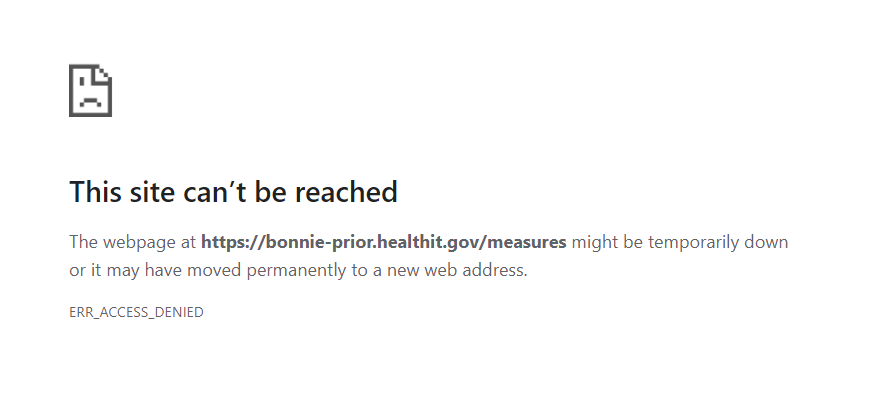
When tried using https://bonnie-prior.healthit.gov/ it works fine until I have to upload a new version of a measure and it shows me below error
|
| Comments |
| Comment by Pooja Shah (Inactive) [ 08/04/21 ] |
|
Yes that worked. Thanks for all your help |
| Comment by Heather Frideres [ 08/03/21 ] |
|
We uploaded the measure package for CMS137v10 to Bonnie Prior v4.2.1. Please take a look and confirm that resolves your issue. |
| Comment by Pooja Shah (Inactive) [ 08/03/21 ] |
|
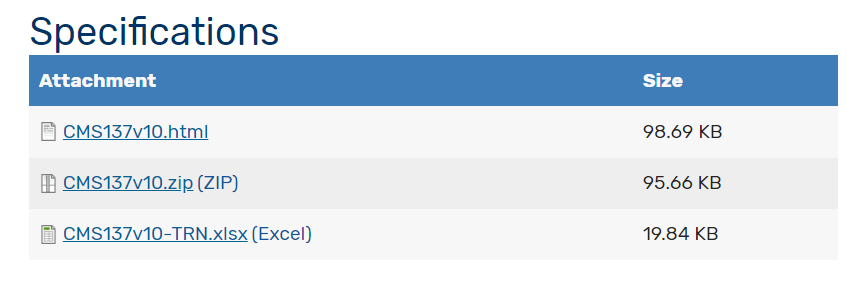
Not allowing me to attach the zip file. I am using below link and the CMS137v10.zip https://ecqi.healthit.gov/ecqm/ep/2022/cms137v10?qt-tabs_measure=1
|
| Comment by Pooja Shah (Inactive) [ 08/03/21 ] |
|
[^CMS137v10_1.zip] |
| Comment by Heather Frideres [ 08/03/21 ] |
|
Can you add the measure package you are trying to upload so we can try it too? |
| Comment by Pooja Shah (Inactive) [ 08/03/21 ] |
|
Trying to upload CMS137V10 to The Bonnie 4.2.1 Prior tool. I have CMS137V9 so I am trying to use the update functionality
|
| Comment by Heather Frideres [ 08/02/21 ] |
|
Hello- Updates to Bonnie were released on 7/19/21.
The email announcing the release for Bonnie Prior was successfully completed included the following: The Bonnie 4.2.1 Prior tool:
Which measure and version of that measure are you trying to upload in Bonnie Prior? If that measure didn't exist in Bonnie PROD on 7/19/21 at 5pm ET when the release was completed, you will need to first load that measure in Bonnie Prior. If you are continuing to receive that error, please let us know the measure you are trying to upload and send us the measure package so we can look into this further.
The email announcing the release for Bonnie 5.0 QDM was successfully completed included the following: The Bonnie 5.0 QDM tool:
You will need a HCQIS Access Roles and Profile (HARP) ID to sign into the Bonnie 5.0 QDM tool. To create a new HARP account navigate to https://harp.cms.gov/register/profile-info and complete the registration form. To create an account, users must enter their profile information, account information, and successfully complete proofing (identify verification). HARP uses a third-party service provided by Experian to verify user identities. To complete account setup, users need to log into HARP and set up two-factor authentication. If you do have a HARP account you will be required to link your HARP Account and MAT account. MAT LOGIN Page: 1. Log into the MAT with your HARP ID and password. 2. Agree to the terms and conditions by checking the checkbox. 3. Click the Sign In button. 4. Provide the two-factor authentication required and click Verify. 5. You will be navigated to a page where you will do a onetime link between your HARP and MAT accounts.
In the Link your HARP and MAT Accounts page: 1. Enter your MAT User ID and MAT password 2. Click the Link to MAT Account button 3. You will be prompted with a security question from your MAT Account 4. Provide the security question answer and click the Link to MAT Account button again.
If this does not resolve your issue logging into Bonnie 5.0 QDM please let us know.
|
| Comment by MADiE Team [ 08/02/21 ] |
|
Thank you for submitting your question/issue. We will assign this to a team member and respond in one business day. If your question/issue is related to a particular measure, please upload the corresponding measure package. |